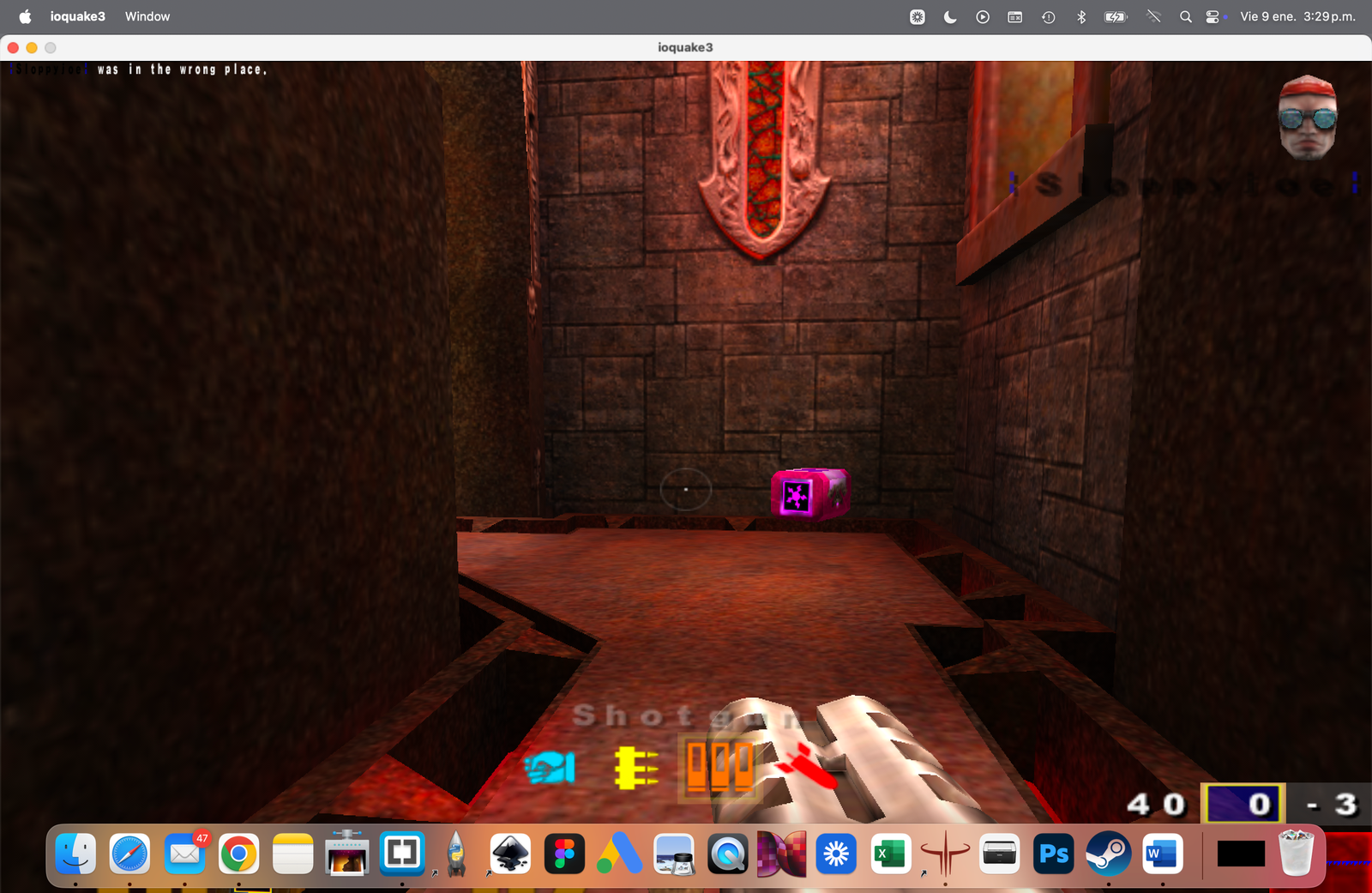
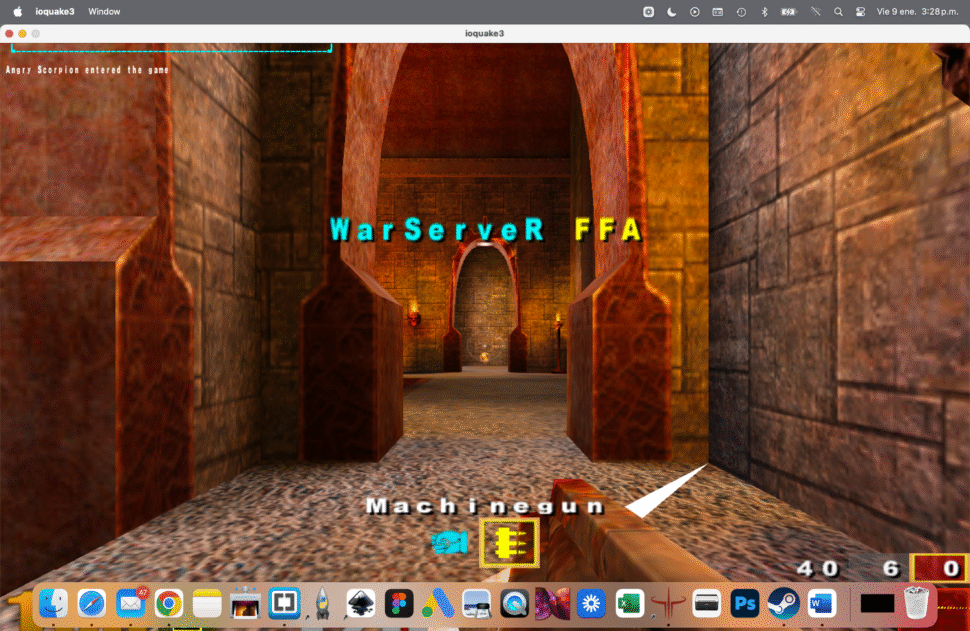
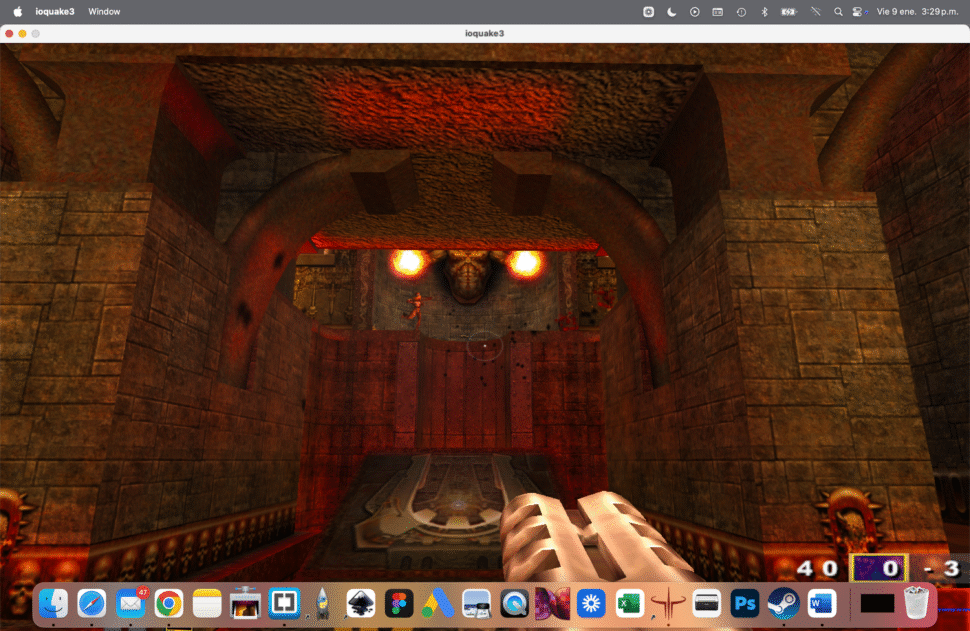
Quake III Arena is still one of the most responsive and competitive FPS games ever made. Thanks to ioquake3, the open-source engine based on id Software’s original code, it’s still possible—and surprisingly easy—to run Quake 3 natively on modern macOS.
This guide walks you through the cleanest way to get Quake III Arena running on macOS using ioquake3.
What You Need
Before starting, make sure you have:
- A legal copy of Quake III Arena
- Original CD
- GOG version
- Steam version
- A Mac running macOS 10.13 or newer
- Basic familiarity with Finder and folders
⚠️ ioquake3 does not include game data. You must own Quake III Arena.
Step 1: Download ioquake3 for macOS
- Go to the official ioquake3 site:
- Download the macOS build (usually a
.dmgor.zip) - Extract the files and move ioquake3.app to your
/Applicationsfolder
Step 2: Get the Quake III Arena Game Data
You need the original game files, specifically the PAK files.
Required file:
pak0.pk3
Where to find it:
- CD version:
Quake III Arena/baseq3/pak0.pk3 - Steam:
Steam/steamapps/common/Quake 3 Arena/baseq3/ - GOG:
Installed game folder →baseq3/
Step 3: Create the baseq3 Folder for ioquake3
- Open Finder
- Go to:
~/Library/Application Support/ - Create a folder named:
ioquake3 - Inside it, create another folder:
baseq3 - Copy pak0.pk3 into:
~/Library/Application Support/ioquake3/baseq3/
Your folder structure should look like this:
ioquake3/
 └── baseq3/
     └── pak0.pk3
Step 4: Launch ioquake3
- Open ioquake3.app
- If macOS blocks it:
- Go to System Settings → Privacy & Security
- Allow the app manually
If everything is set correctly, Quake III Arena will launch immediately.
Step 5 (Optional): Add High-Resolution Support
To improve visuals on modern screens:
- Open the in-game console using
~ - Enter:
r_mode -1 r_customwidth 1920 r_customheight 1080 vid_restart
You can adjust the resolution to match your display.
Step 6 (Optional): Enable Multiplayer
Quake III Arena still has active community servers.
- In-game: Multiplayer → Join Server
- Or use community server lists like:
Why ioquake3?
- Native macOS support
- Open-source and actively maintained
- Better performance on modern hardware
- Compatible with mods and custom maps
It’s the best way to experience Quake III Arena today.
Final Thoughts
Running Quake III Arena on macOS using ioquake3 proves one thing:
Great engines never die.
With a few files and the right setup, you can relive one of the purest FPS experiences ever made—exactly how it was meant to be played.
Old school. Fast movement. Zero compromises.
Buy Quake III Arena (Required)
ioquake3 does not include the original game assets. You must own a legal copy of Quake III Arena.
You can purchase the game directly from GOG here:
👉 https://www.gog.com/en/game/quake_iii_arena
Once installed or downloaded, you’ll have access to the required game data files.